
Taking your emails to the next level with video
Email marketing is a classic long-term fundraising investment.
The first step is to convince a prospect to sign up. A success there means they’re open to what you have to say. While it’s rare for anyone to be fully converted in one shot, this is the chance to become a staple of their routine, an old friend in their inbox; an organization they care about in a consistent way.
This is good news whether you’re developing trust with a new donor or keeping existing donors engaged and excited.
The only problem is that inboxes can get pretty cluttered.
Just getting a prospect to sign up doesn’t guarantee their support. You have to keep them curious, eager to see the latest update—or risk ending up in their spam filter.
Today, I want to talk about how you can use video to break through the noise and make your email marketing pop, plus some tips for integrating it into your email marketing strategy successfully.
Ready to dive in?
An investment that pays off
The fact is, video makes email marketing more effective whether it’s cell phone footage of participants or a highly produced fundraising pitch.
Just including the word “video” in an email subject line gets almost 20% more people to open it and 65% more to actively follow up on it. It even convinces recipients to stick around longer as part of your mailing list, so your relationship can continue to grow.
The real magic happens when recipients click play: When nonprofits include video in their emails, a staggering 57% of viewers go on to donate.
Video works because it's eye-catching, easy to consume, and has two powerful effects. First, it takes you from a faceless institution to a human effort, a group of well-meaning people donors can get to know and put their trust in. Second, it lets viewers share in the gratitude and relief of the people you help, the kids, families, and communities in need, turning their support from something abstract into something real.
With more attention, more trust, and more emotional investment, it's no wonder the result is more inspired giving.
What kinds of videos belong in email?
Keep-in-touch videos. The main job of nonprofit email marketing is to keep donors aware of and interested in your organization. To this end, the most frequently shared video is the news update: big and small wins, new plans and recent projects. You can also send holiday greetings, thank-yous, and commemorations of special moments — whatever keeps the momentum going.
Fundraising campaigns – before, during, and after. Fundraising season is when the work you put into donor relationships bears tangible results. The videos you send out around these events inject them with an extra charge, and even help harness the energy in order to bring future interactions to a new level.
A video from a familiar face prior to the event adds warmth and humanity to the invitation.
A video recap the day after an event, or a link to the video that was shown that night, reinforces the emotional heights of the experience and ensures the memory sticks.
A thank-you a few days later leaves everyone with a sense of closure and satisfaction, a great note to end on. When you return to your regularly scheduled emails, they’ll be a more welcome sight than ever.
And all the rest. Aside from these strategic video choices, my advice is to share any video you have available. Got a promo for attracting new prospects? Let your existing donors know what you’ve been up to and ask them for feedback. Got a casual look behind the scenes on your phone? Put it out there.
Video helps your marketing with its presence alone. The more, the merrier!
How-to guide
There are a few technical things to keep in mind when incorporating video into your email marketing.
Make it visible. To get the full benefit of video, be sure to either include the word “video” in your email subject line and/or place the video (or video link) near the top of the email, where it will be immediately seen. After all, the recipient has to know the video is there for it to work its magic. You can even place a video on its own in a stand-alone message, where it will be the sole focus.
Make it clickable. Beware – most email clients don’t actually let you embed video in email messages. Even when they do, the compression involved means losing a lot of image quality, so it’s generally not worth it if you want the viewer to get the full effect. Instead of embedding directly, upload the video to your website or social media. Rather than sharing the video itself in the email, what you’re really sharing is the video link.
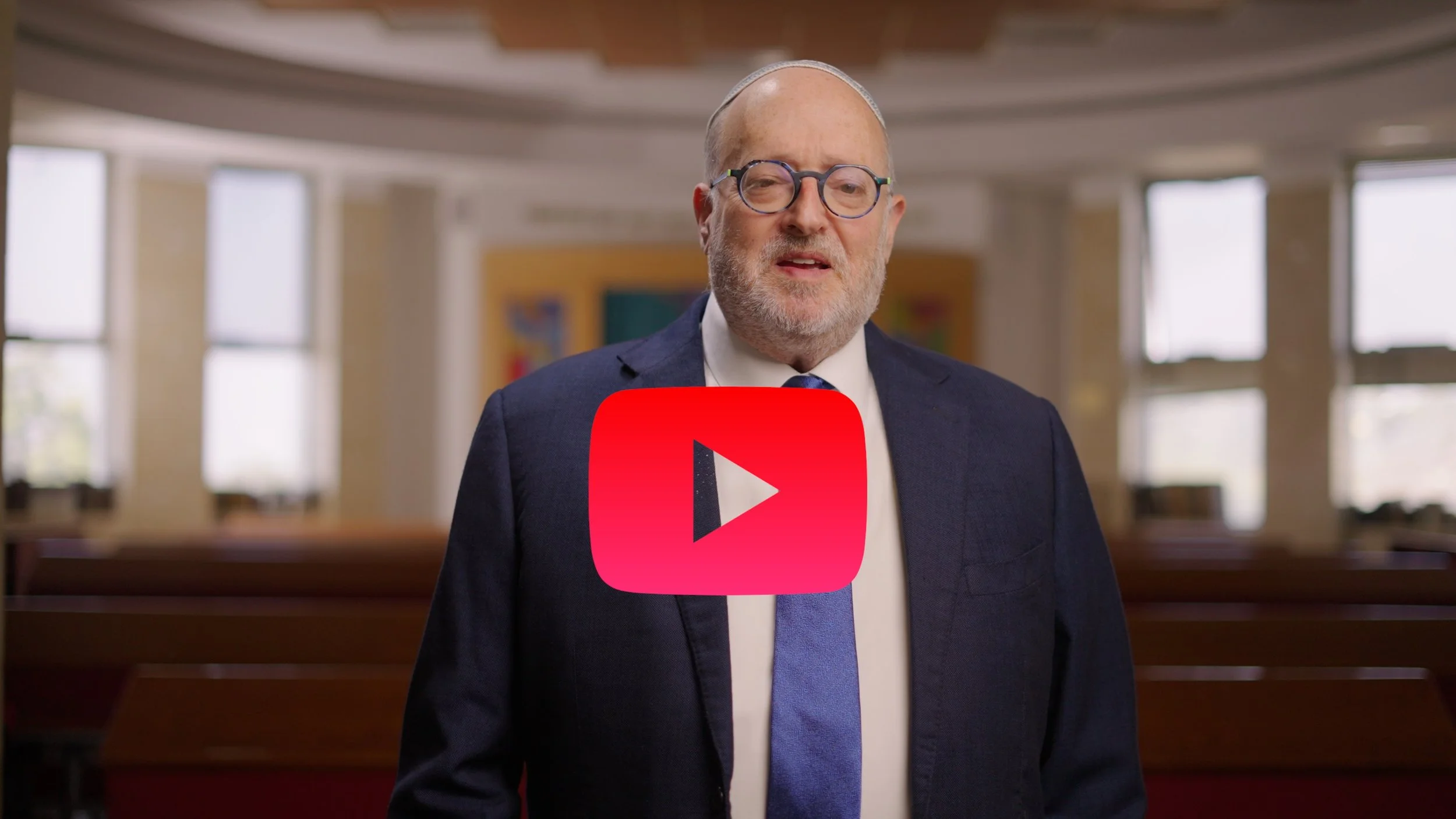
Make it interesting. To get recipients to click on the link, put in the effort to make it appealing. You can do better than something like, “Video — click here!” One popular approach is to make the link appear as a thumbnail with a play button. You can create thumbnails by grabbing screenshots from YouTube, or make your own in Canva or Photoshop. Try to pick a thumbnail image that sums up the video at a glance. A GIF of a moment in the video, which you can produce using online tools such as Giphy, is an even more dynamic and engaging option — even if you’ve never made a GIF before, give it a shot! Play around and see what you come up with.


Directing traffic (ADVANCED)
Once you’re comfortable and confident including video in your email marketing, here’s an advanced tip to get the biggest ROI – make sure your videos are driving people where you want them to be.
When you send your readers from your mailing list to YouTube, Instagram, TikTok or LinkedIn, it’s hard to have a lot of influence on what they click and where they go next. On the other hand, when you link them to your own space, you can direct the experience:
Place a general promo on your homepage, greeting new site visitors with an easy introduction and convenient access to further information.
Embed a campaign video on a dedicated campaign page that has all the relevant details and a donate button.
Include an educational video on a blog, an audiovisual aid for your insights and more complex ideas.
Embedding video in this way requires a paid hosting service, e.g. Vimeo, Wistia, or Vidyard.
There may of course be times when you want your videos to appear on social media, so your readers can like, comment, and share them with others -- another valuable marketing tool. My advice is: be deliberate about it. Choose when to use a video to go viral and when to use it to drive an action that needs to happen in a space you control.
Next Steps
I know I just hit you with a lot, so let me break it down:
If you aren’t using video, consider it. Even something you film with your cell phone!
Try using a simple tip to get a small win, like using “video” in the subject line and seeing what kind of effect it has.
Once you’ve gotten a win, come back and try to incorporate something a little more advanced.
Looking for more customized support? I’m around and glad to help!